
When a webpage is cached, you can think of it as a saved copy. Instead of the server generating a new copy of the page for each visitor, it gives them the same “saved” copy. This is much more efficient than rebuilding the page over and over again.
When you install Independent Analytics, it automatically adds a tracking script to every page of your website. However, if your site uses caching, then visitors will get the “saved” copies of your pages from before Independent Analytics was installed. This means the tracking script isn’t included in the pages yet, and visitors won’t be tracked.
To solve this issue, you just need to clear your cache. You only need to empty the cache once, and then Independent Analytics will be able to track all of your visitors across all of your pages.
If your site doesn’t use any caching via a plugin, your host, or a CDN, then there is nothing you need to do.
How to clear your cache
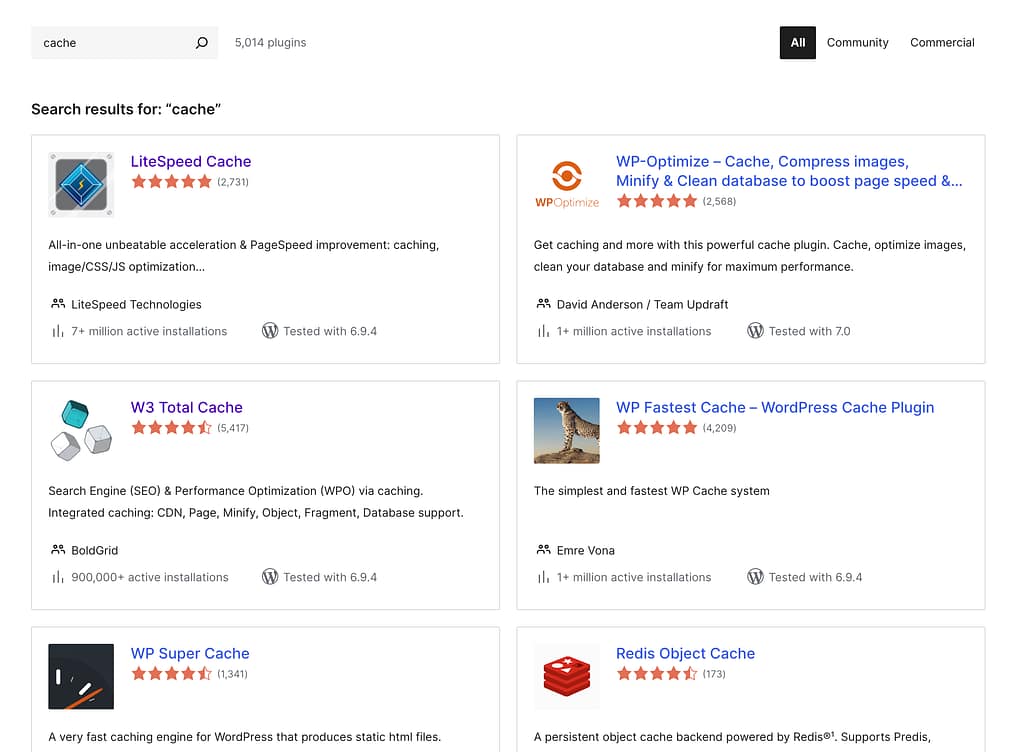
The vast majority of WordPress sites have caching enabled through a plugin like WP Super Cache, LiteSpeed Cache, WP Fastest Cache, etc.
While the exact location of this option changes from one plugin to the next, they all include a one-click option to clear the cache. It may say “clear cache,” “empty cache,” or use similar language.
Once the cache has been cleared, Independent Analytics will be able to track all visitors.
Please post a new thread in our support forum, and we will be happy to help you.
