
This feature is only available in the Pro version of Independent Analytics.
If you want to export the campaign links you’ve created, you can do so by clicking the Export All Campaigns button in the toolbar.
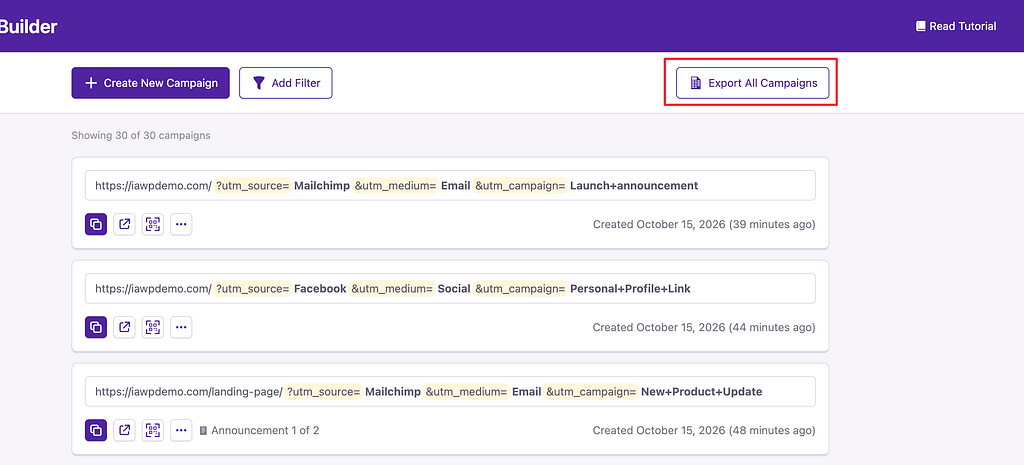
You’ll receive a CSV containing every link with each parameter organized as its own column.
If you want to export a selection of links, start by applying a new filter. Click the Add Filter button and then apply your desired filter.

Once the links have been filtered, you’ll see that the export button has updated to reflect the applied filter. Clicking it will generate an export of the same links that are left visible on screen.

Still have questions?
For help with Pro features or pre-sale questions, please reach out via our contact page.
