
By default, Independent Analytics won’t output the tracking script if the visitor is logged in.
This is the right setting for most sites, but if you are using WooCommerce or a membership plugin, you’ll want to enable tracking of logged-in visitors. This will ensure that your customers/subscribers are tracked even when logged in.
To enable tracking for logged-in visitors, check the Track logged-in users box in the Settings menu and click the Save Settings button.
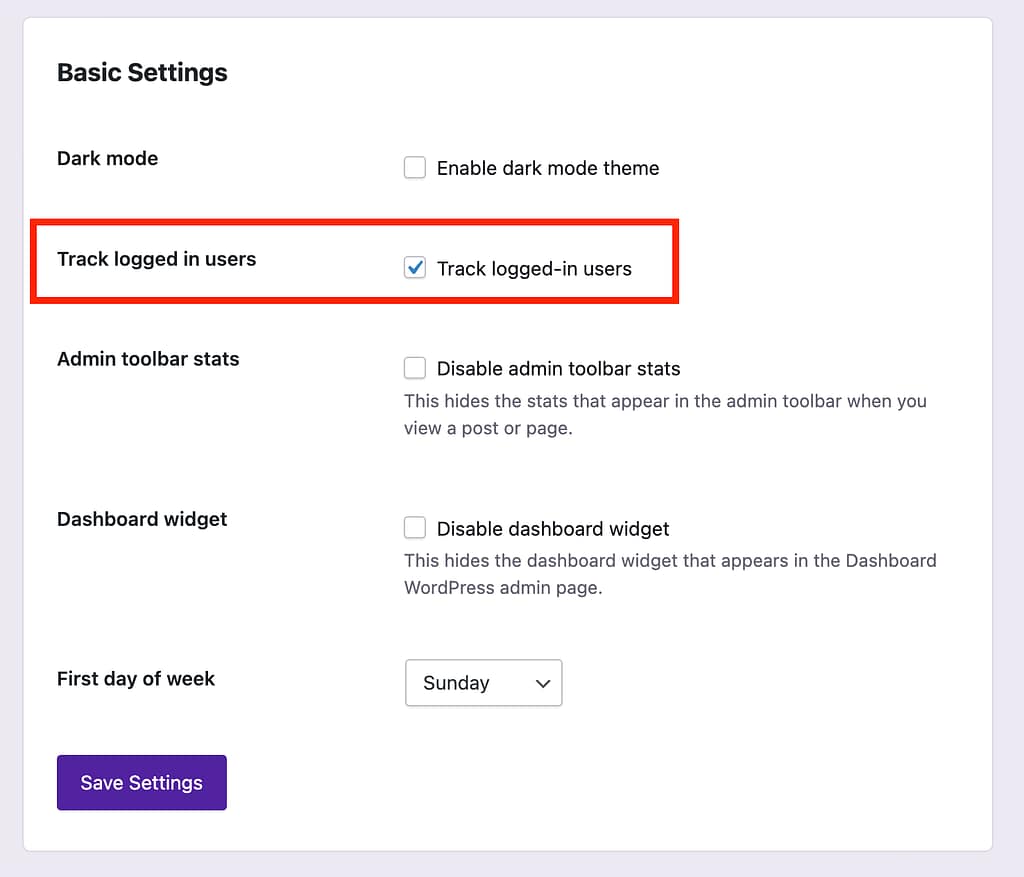
Once you’ve enabled this setting, all activity from logged-in visitors will be counted.
Next steps
Independent Analytics ignores admins, even if they’re logged in. However, if you have editors and other users you want to ignore, you can customize which user roles get ignored. For instance, this will allow you to track activity from subscribers, but ignore admins and editors.
